Your Setup Path - From Signup to Your First Family Email
The five-step rollout most studios complete within a week.
Written By Dave Hemann
Last updated About 2 months ago
Most studios send their first family progress email within a week of starting setup. Here's the path, in order.
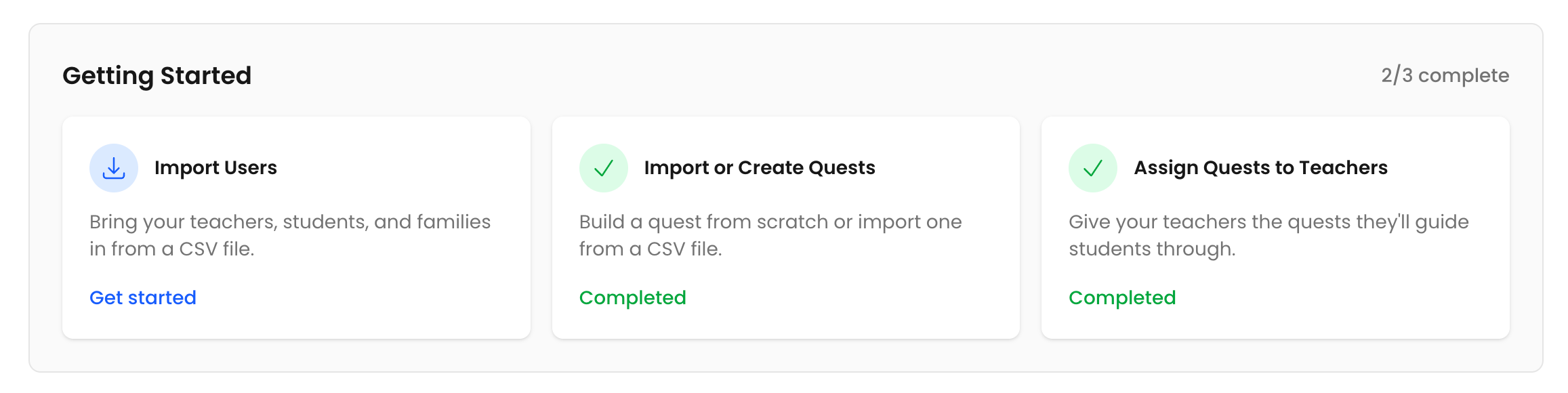
Step 1 - Choose or create your Quests
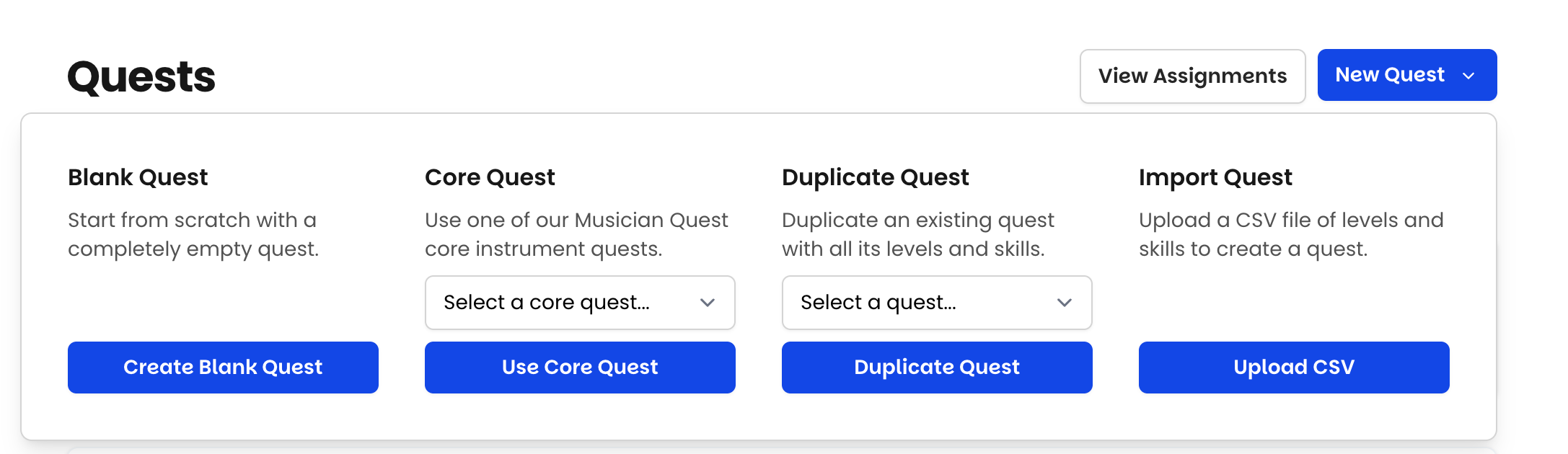
You have five ways to get Quests into your account.
Start from a ready-made Quest. Pre-built Quests for common instruments are ready to use as-is or customize.
Import your existing curriculum via CSV. If you already have a level system you love, bring it with you - Musician Quest layers video proof, family emails, and rewards on top of what you've built.
Duplicate and edit an existing Quest - great for instrument variants.
Generate a Quest with AI, then refine it in the Quest Editor.
Build from scratch in the Quest Editor.
Most studios start with ready-made Quests or an import and adjust over the first month. You don't need a perfect curriculum to launch - progress over perfection applies to your rollout, too. (See: Five Ways to Create a Quest.)
Step 2 - Import your people
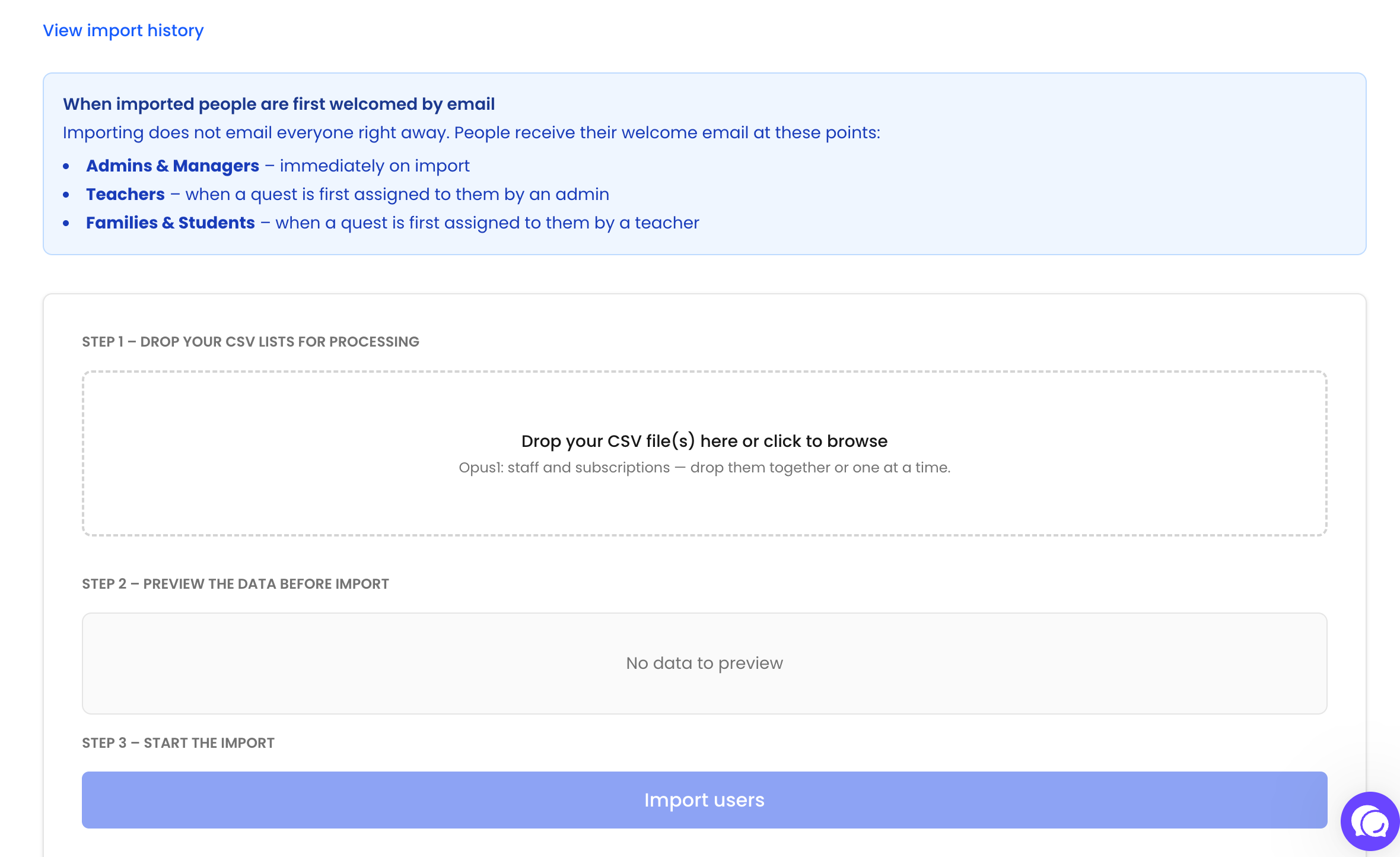
From you Imports tab, bring your teachers, admins, and students in from your studio management system.
Step 3 - Assign Quests to teachers
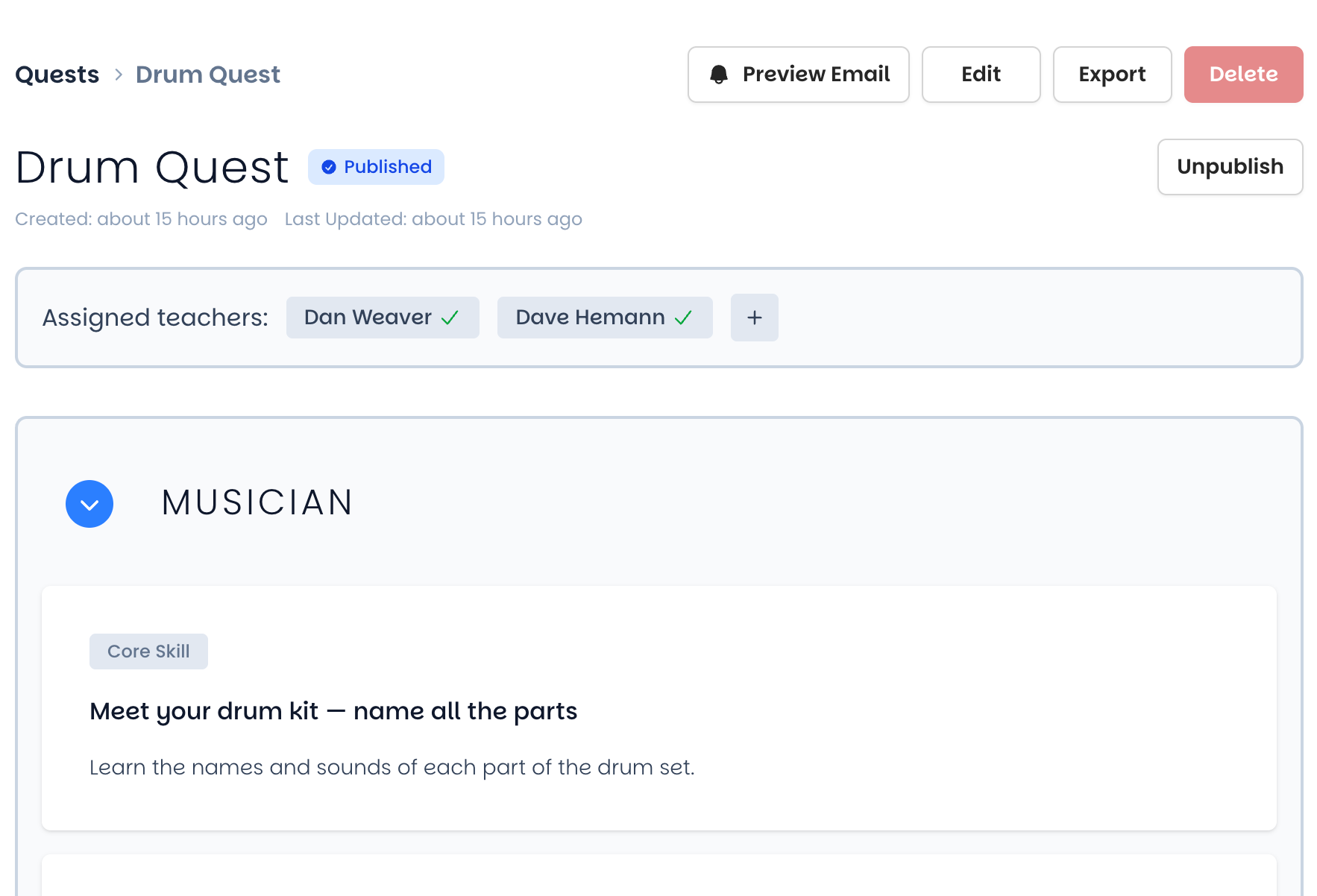
From the Quest tab on your Owner Dashboard, assign each teacher the Quests for their instrument(s). Teachers only see the Quests you assign them. A welcome email goes out automatically when a teacher is assigned their first Quest.
Step 4 - Teachers add students and assign Quests
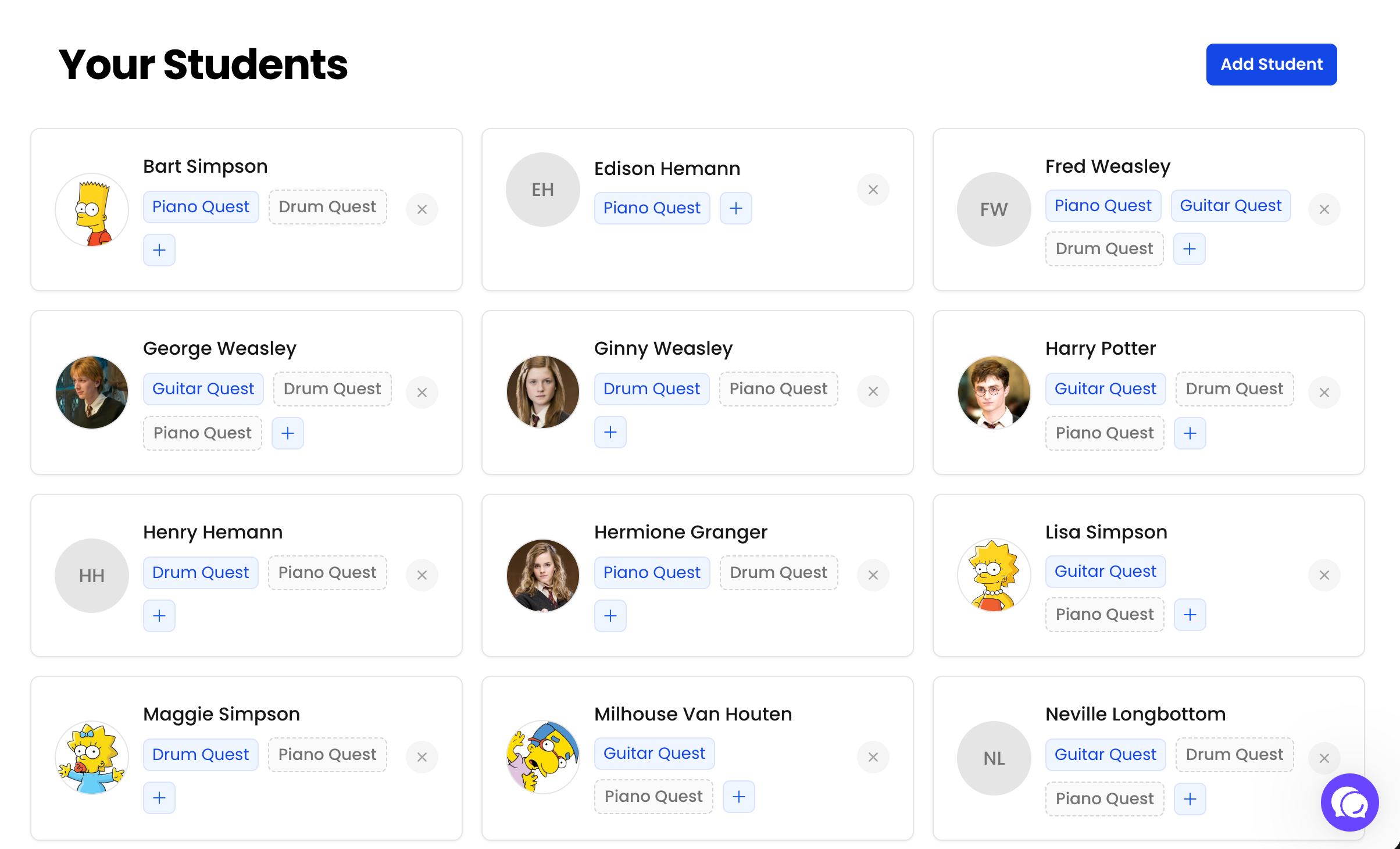
Each teacher builds their roster and assigns each student the right Quest, then begins teaching at the Level that fits the student's existing proficiency. Students with prior experience may choose to start at Level 1 anyway to earn every reward along the way - that's a valid and encouraged choice.
When a student is assigned a Quest, the family automatically receives a welcome email with a link to set their password and view their family portal.
Step 5 - Progress begins
From here, the lesson loop takes over. Teachers start skills, record videos, and mark skills complete - and after each lesson, families automatically receive a progress email covering everything that happened.
Before you launch: the teacher walkthrough
The system itself won't slow you down - the one part of setup worth real time and attention is introducing Musician Quest to your teaching staff. See Onboarding Your Teachers in this collection.
Was this helpful?
Still need help? Ask the team