Quest States: Draft, Published, Unpublished, and Deleted
What each Quest state means, and when to use it.
Written By Dave Hemann
Last updated About 1 month ago
Every Quest is in one of four states, which control who can be assigned to it.
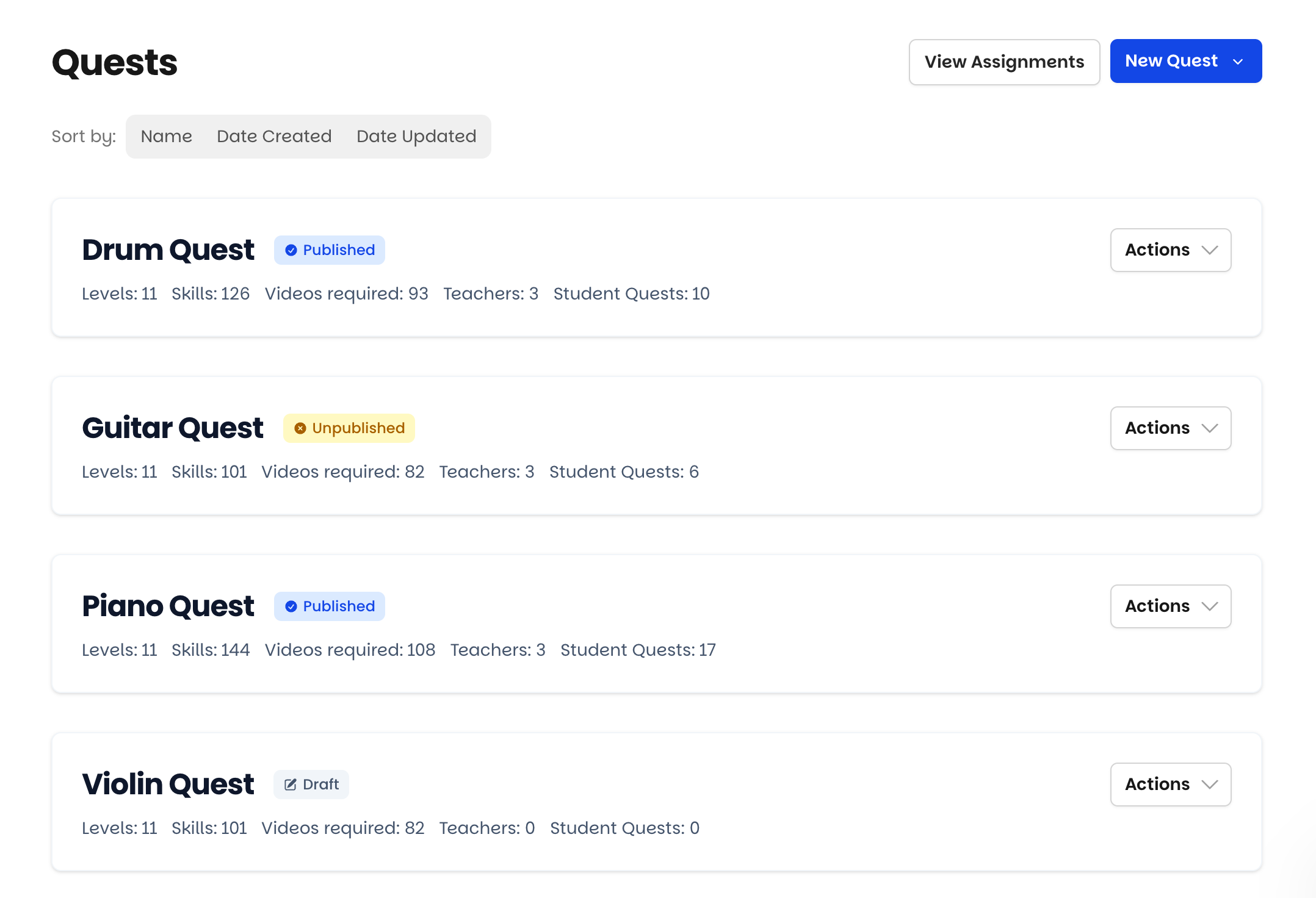
Draft
Assignable to teachers, but not yet to students.
Use Draft while a Quest is being built or reviewed. Assigning a Draft Quest to a teacher lets them read through Levels and Skills and give feedback - before any student or family ever sees it.
Published
Assignable to teachers, and teachers can assign it to students.
The live state. Publish when the Quest is ready and can be assigned to students.
Unpublished
Closed to new students. Students already on it continue.
Use Unpublished to retire a Quest gracefully - for example, after you've built a replacement version. No new students can start it, and teachers no longer see it in their list - but nobody mid-journey gets disrupted; they finish on the Quest they started. You can still see and manage it from the Quest tab.
Deleted
Permanently removed from your account.
Deletion is permanent, so consider exporting a Quest to CSV before deleting it - that gives you a restorable snapshot if you ever want it back. (See: Exporting Quests and Sharing Curricula Between Schools.)
Note: a Quest can't be deleted while any student or staff member is assigned to it. A retired Quest with student history stays in your account (in Unpublished) as the permanent record of that journey - which is usually exactly what you want.
A typical lifecycle
Build in Draft → teachers review → Publish → later, build an improved version → Unpublish the old one so current students finish while new students start on the new version. Export it for your records - and if it never had students, you can delete it entirely.
Was this helpful?
Still need help? Ask the team